Next generation artificial intelligent ERP system.
## Project
[English](README.md) | [简体中文](./README-zh_CN.md)
### Quick Start
You can directly use the Docker pull image for quick startup. Here are the commands to pull the front-end image
### Pull images
```shell
docker pull wansenai/eairp-web:2.1.1
```
### Run Server
Please note the `API_BASE_URL` parameter, this is the address mapped by the back-end interface.
If you are deploying on your server, modify the localhost address here to your server IP.
```shell
docker run --name eairp-web -d -p 3000:80 -e API_BASE_URL=http://localhost:8080/erp-api wansenai/eairp-web:2.1.1
```
If you want to deploy the API using Docker, you can also pull the API image
```shell
docker pull wansenai/eairp:2.1.1
```
And run API services
```shell
docker run --name eairp -d -p 9998:8088 wansenai/eairp:2.1.1
```
### Online preview
- [eairp preview / 在线预览](https://erp.wansen.cloud/)
- test account (测试账号): wansen
- test password (测试密码): 123456
- Some functional modules are being developed and improved, please refer to our [to-do list](https://github.com/wansenai/eairp-web/issues/41). It's not easy to generate electricity with love.
- If this project is helpful to you, please click on Star. Thank you.
一些功能模块正在开发和改进中, 请参阅我们的[开发计划](https://github.com/wansenai/eairp-web/issues/42), 用爱发电很不容易, 如果这个项目对你有帮助, 请点击Star非常感谢.
### Repository code
- [wansen-erp](https://github.com/wansenai/wansen-erp) - **ERP Web Template**
## Browser support
The `Chrome 80+` browser is recommended for local development
Support modern browsers, not IE
| [ ](http://godban.github.io/browsers-support-badges/)IE | [](http://godban.github.io/browsers-support-badges/)Edge | [
 ](http://godban.github.io/browsers-support-badges/)Firefox | [
 ](http://godban.github.io/browsers-support-badges/)Chrome | [
 ](http://godban.github.io/browsers-support-badges/)Safari |
| :-: | :-: | :-: | :-: | :-: |
| not support | last 2 versions | last 2 versions | last 2 versions | last 2 versions |
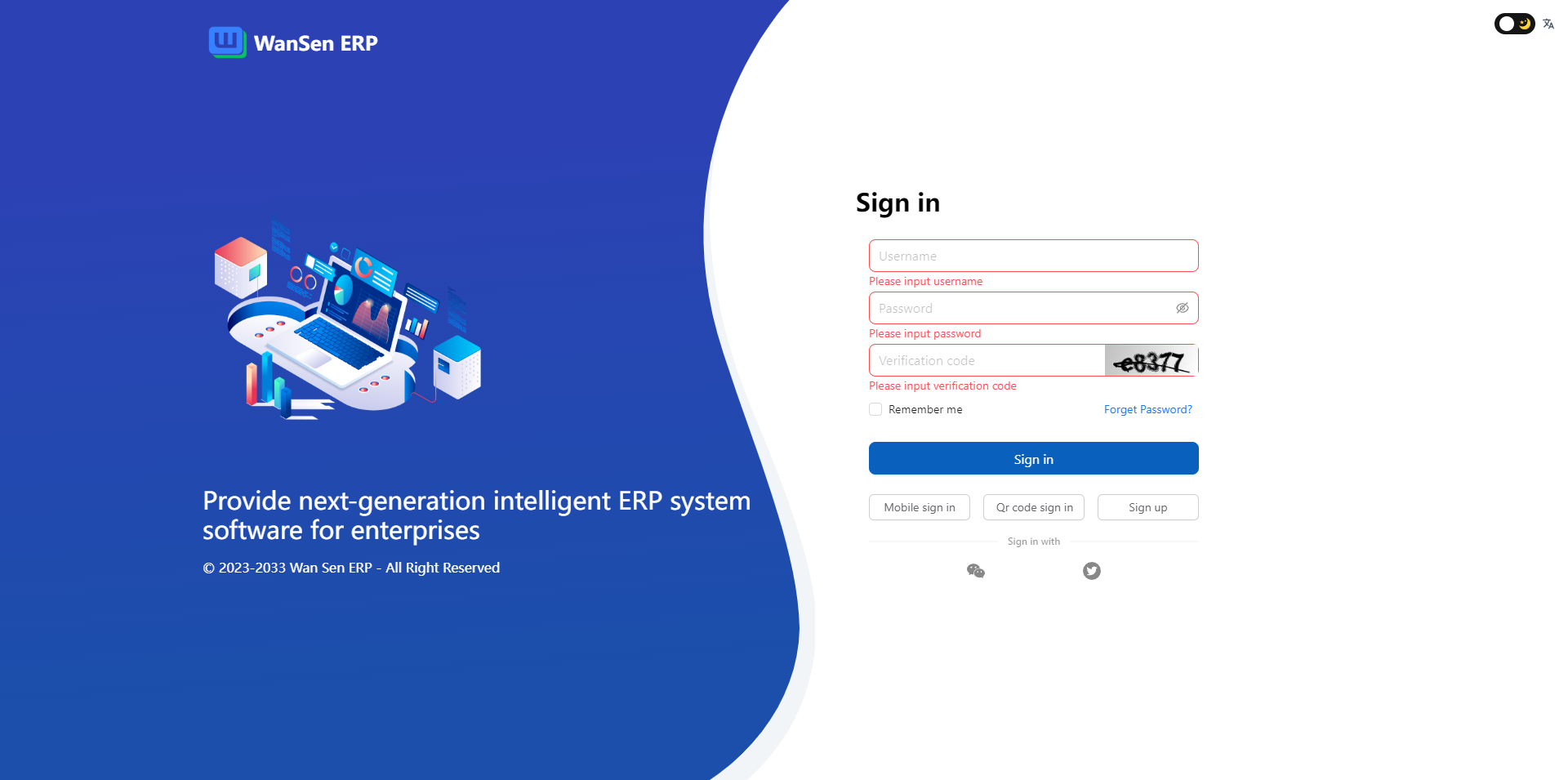
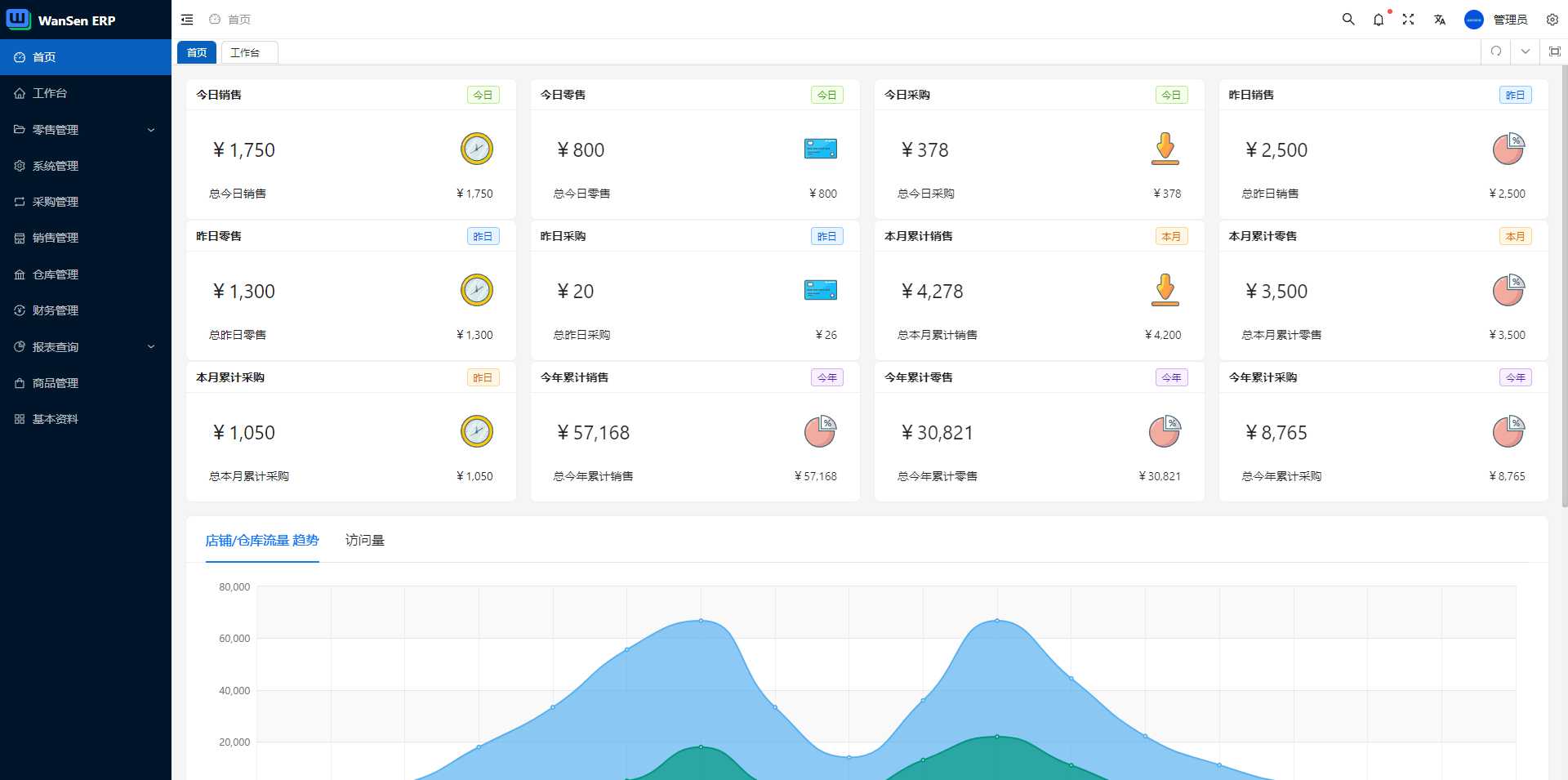
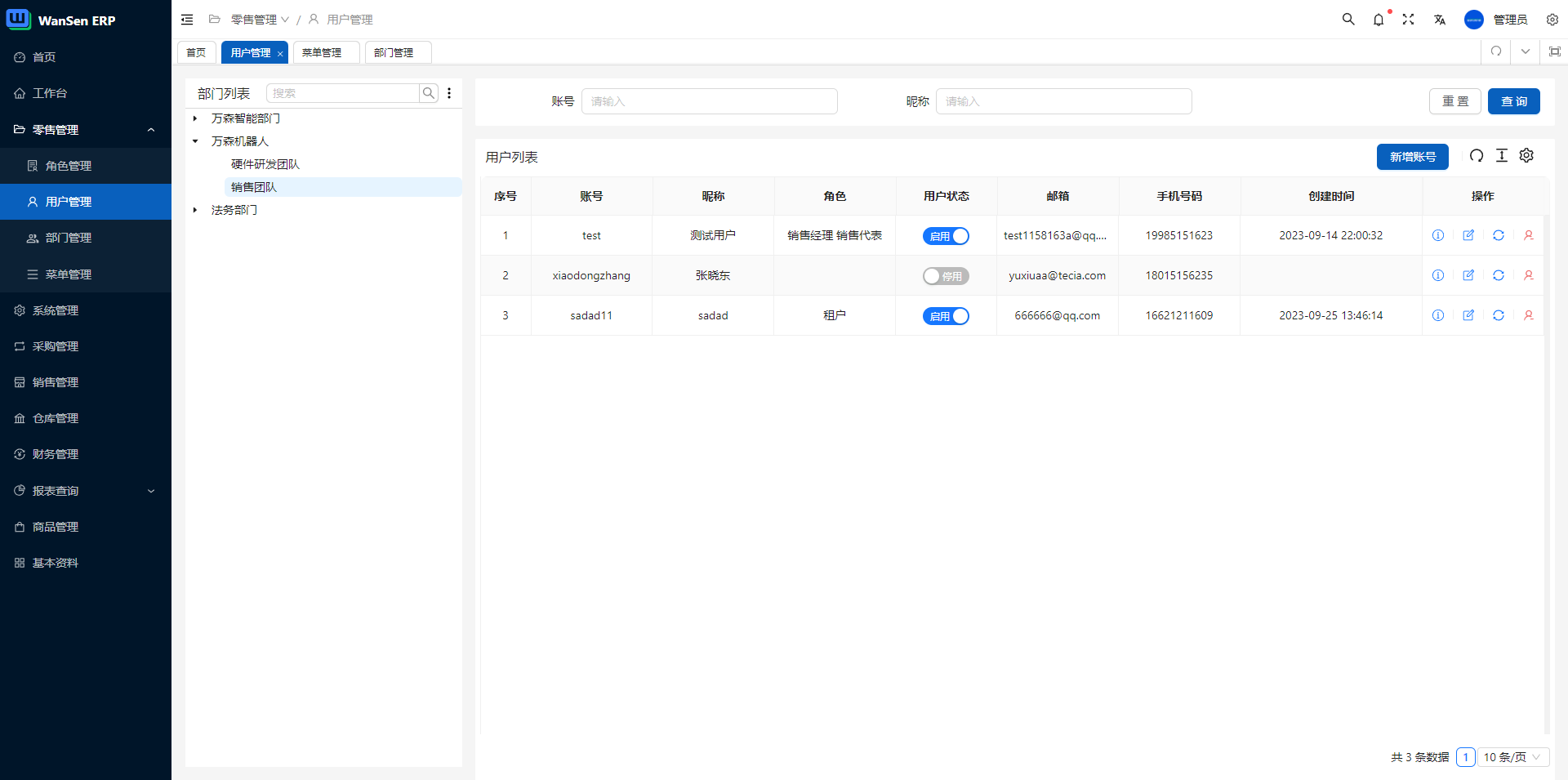
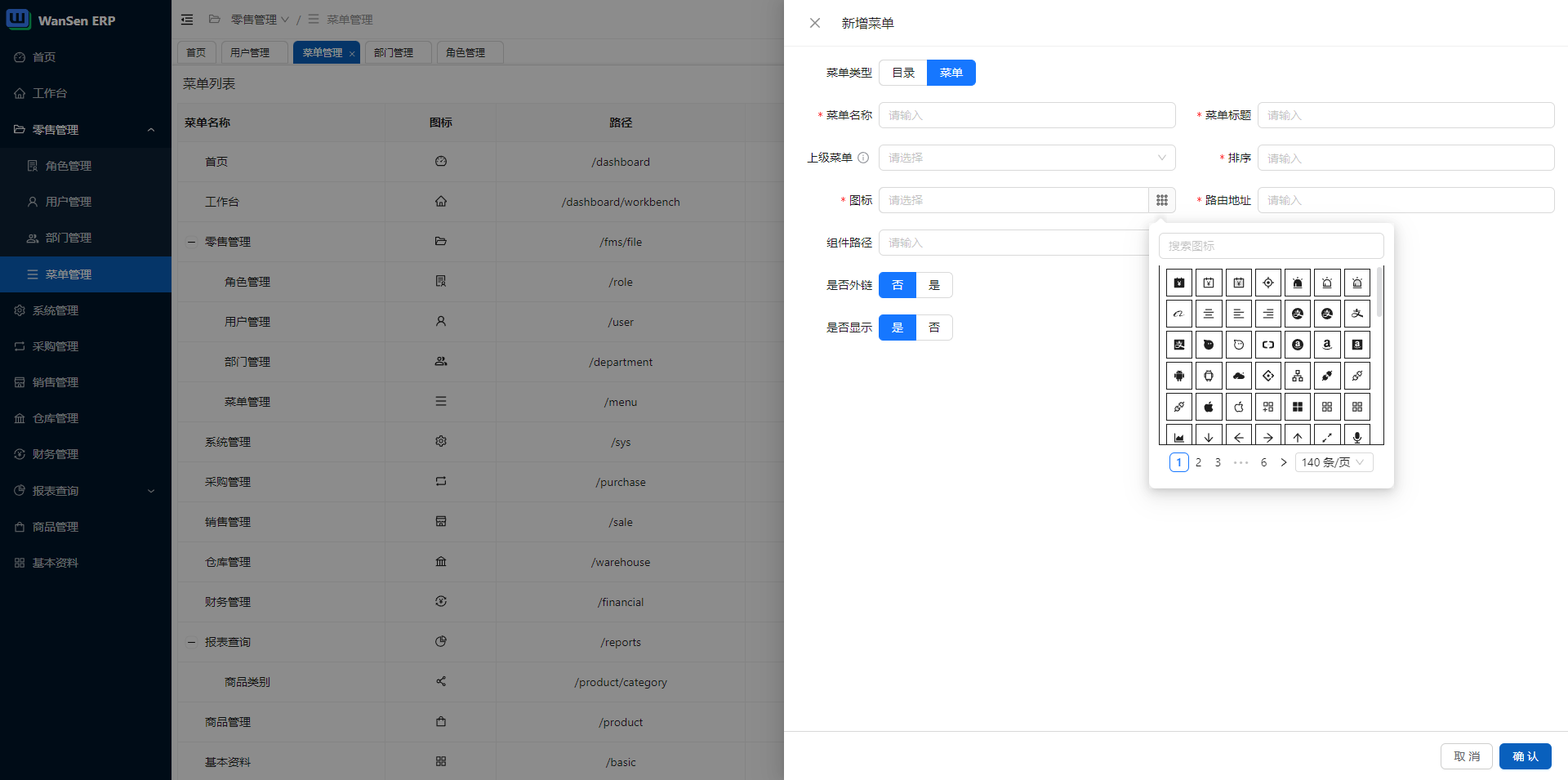
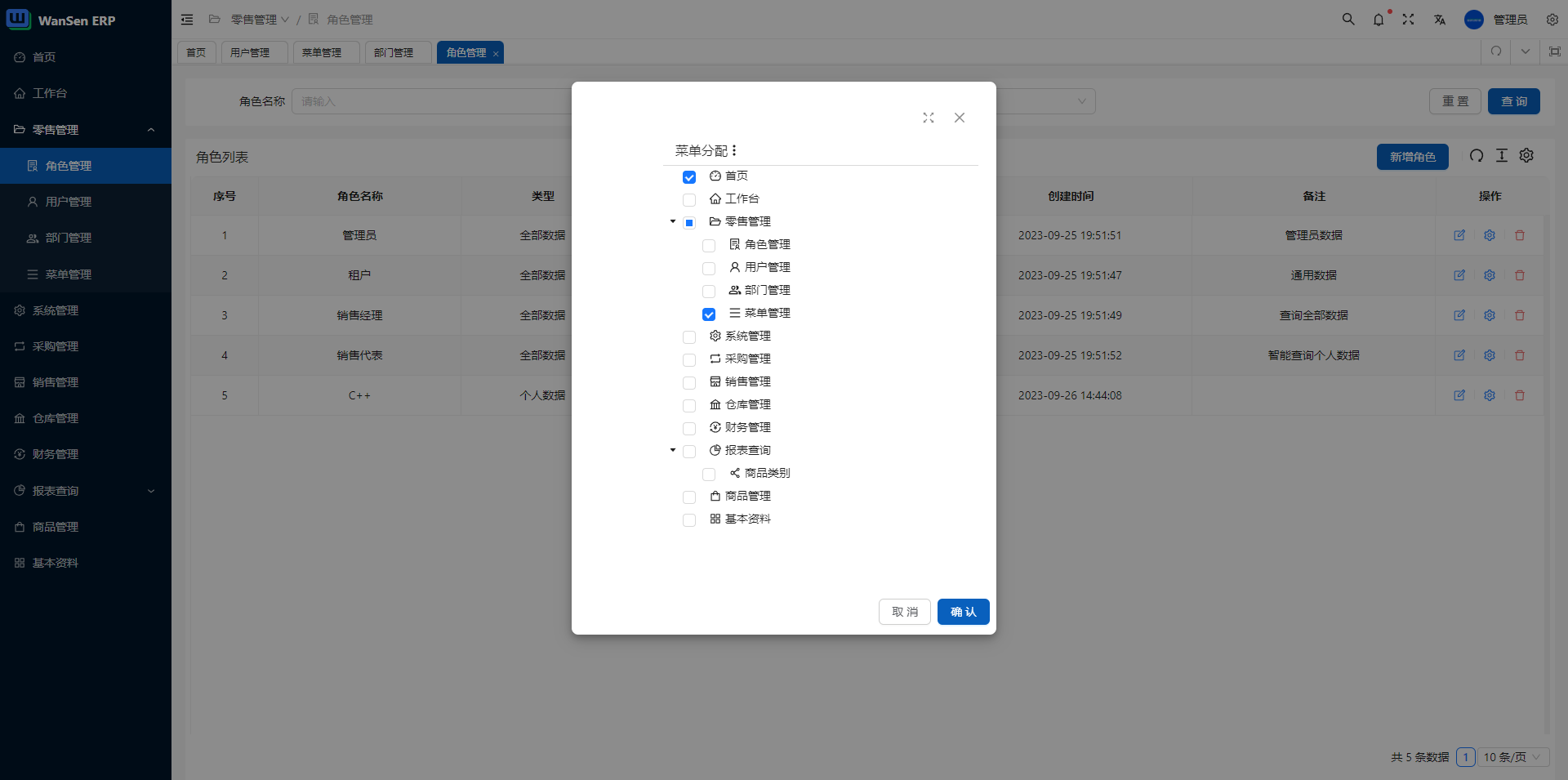
## System screenshot (only part)
## Install and use
- Get the project code
```bash
git clone https://github.com/wansenai/eairp.git
cd eairp
```
If you have not installed the pnpm tool, please use the following command to install pnpm first
```bash
npm install -g pnpm
```
- Installation dependencies
```bash
pnpm install
```
- run
```bash
pnpm serve
```
- build
```bash
pnpm build
```
](http://godban.github.io/browsers-support-badges/)Safari |
| :-: | :-: | :-: | :-: | :-: |
| not support | last 2 versions | last 2 versions | last 2 versions | last 2 versions |
## System screenshot (only part)





## Install and use
- Get the project code
```bash
git clone https://github.com/wansenai/eairp.git
cd eairp
```
If you have not installed the pnpm tool, please use the following command to install pnpm first
```bash
npm install -g pnpm
```
- Installation dependencies
```bash
pnpm install
```
- run
```bash
pnpm serve
```
- build
```bash
pnpm build
```


